Norton 360 – Our Top Pick for Windows, Android & iOS
Verified by our security team

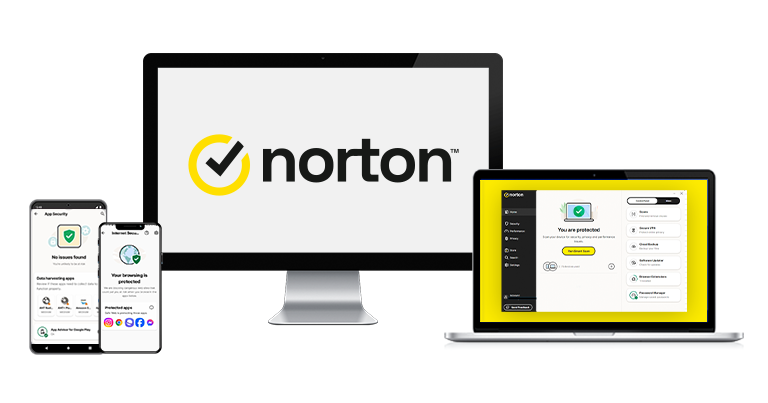
Norton is my top pick for antivirus in 2026. It passed every test I ran and earned top ratings from AV-TEST and other trusted labs. Besides its strong protection, it also packs useful extras like parental controls, a built-in VPN, and a password manager – all bundled into one affordable package.
Pros
- Flawless malware detection
- Unlimited-data VPN
- Excellent parental controls
- Cloud storage (up to 500 GB)
Cons
- No free plan
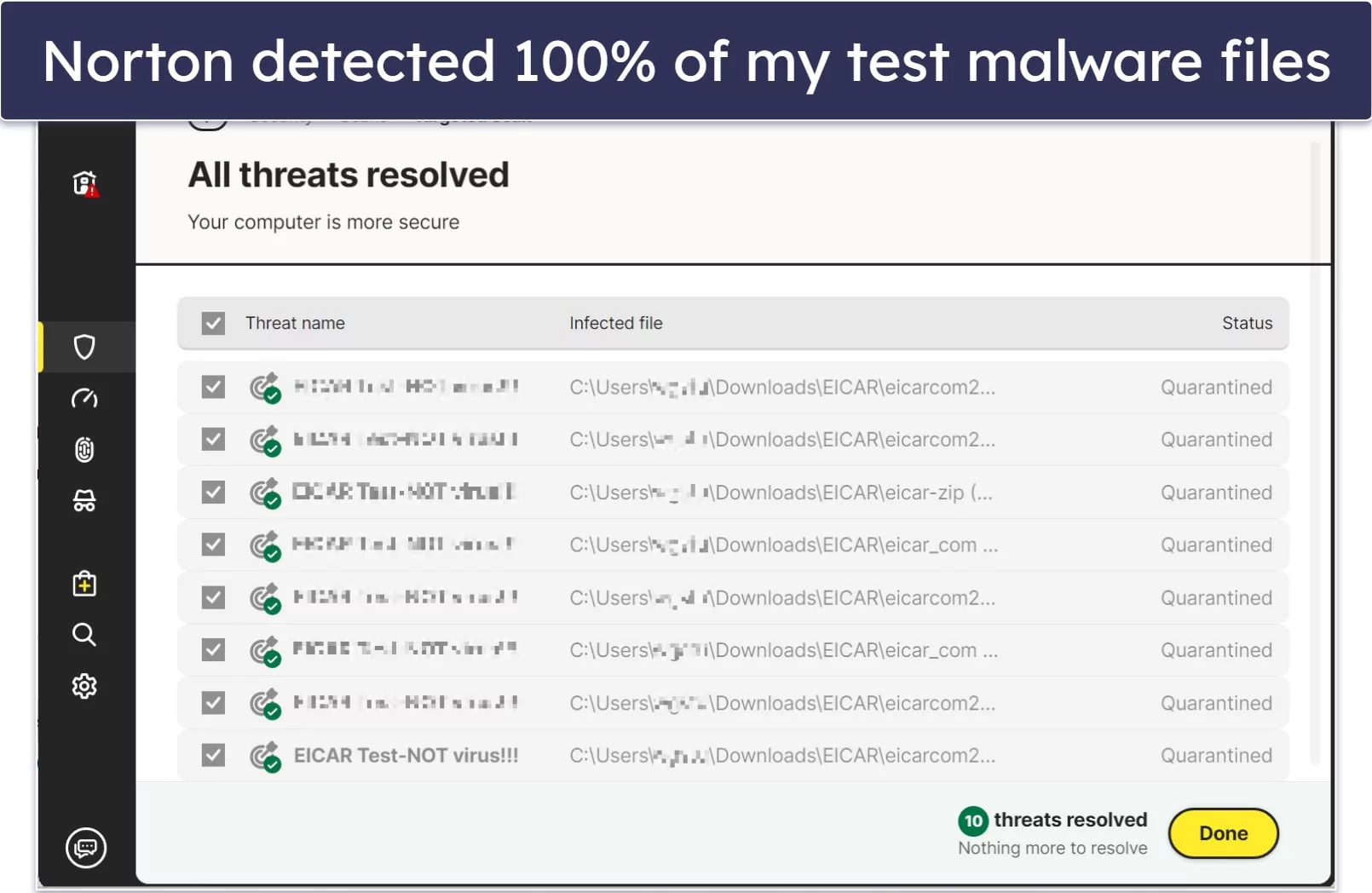
Norton’s engine uses heuristic analysis and machine learning to spot new and sophisticated threats, then remove them quickly. In testing, it achieved a 100% protection score and consistently outperformed built-in solutions such as Microsoft Defender.
Full scans finished fast — just 14 minutes in our runs. We noticed a slight slowdown during that window, but it wasn’t disruptive. We also saw very few false positives, which helps you trust the alerts you do get.
Beyond core protection, you get a well-rounded toolkit that’s genuinely useful:
- Secure firewall.
- Password manager.
- Phishing protection (plus a private browser).
- VPN (with unlimited data).
- Dark web monitoring.
- Identity theft protections.
- Optimization tools.
- Parental controls.
- Wi-Fi security alerts (Android and iOS only).
- Cloud storage (up to 500 GB).
- Ransomware protection.
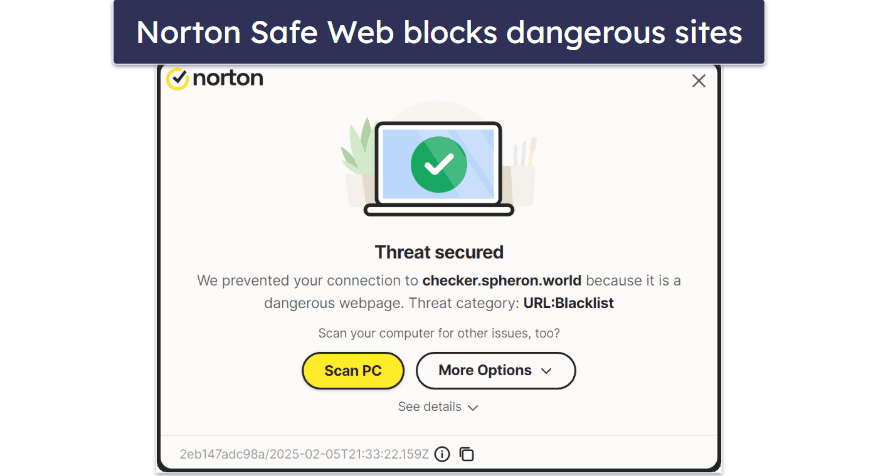
The anti-phishing tools are standouts. The browser extension reliably blocks risky pages and explains why a site is unsafe. You also get dedicated banking safeguards and a secure search tool that labels results with clear risk indicators. For extra privacy on Windows, the included Private Browser bundles helpful protections.
The password manager is a welcome freebie — it creates, stores, and autofills strong logins. While it doesn’t include sharing or a built-in TOTP generator like some standalone apps, it nails the essentials.
We’re also fans of the mobile apps. On Android and iOS you’ll find VPN, spam filtering, Wi-Fi checks, and web protection. Android adds tracker/ad blocking and a handy permissions checker for nosy apps. iOS is naturally more limited (as with all brands), but still covers the key risks.
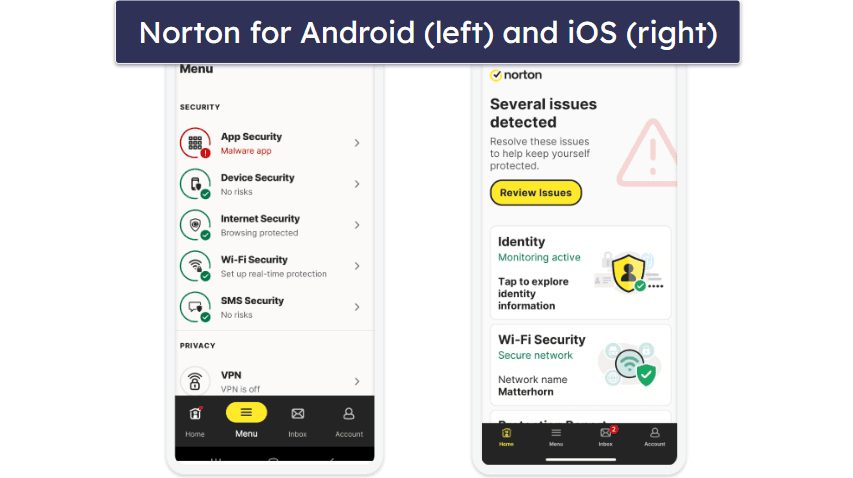
Identity safeguards are strong as well. In supported regions, LifeLock tiers add reimbursement and restoration help — with coverage up to $3 million for stolen funds, personal costs, and expert/legal assistance.
Norton’s VPN is among the best bundled options in 2026. There’s no data cap, servers span 29 countries, and you’re protected with 256-bit AES and a strict no-logs policy. Extras like a kill switch, split tunneling, and an ad-tracker blocker round it out.
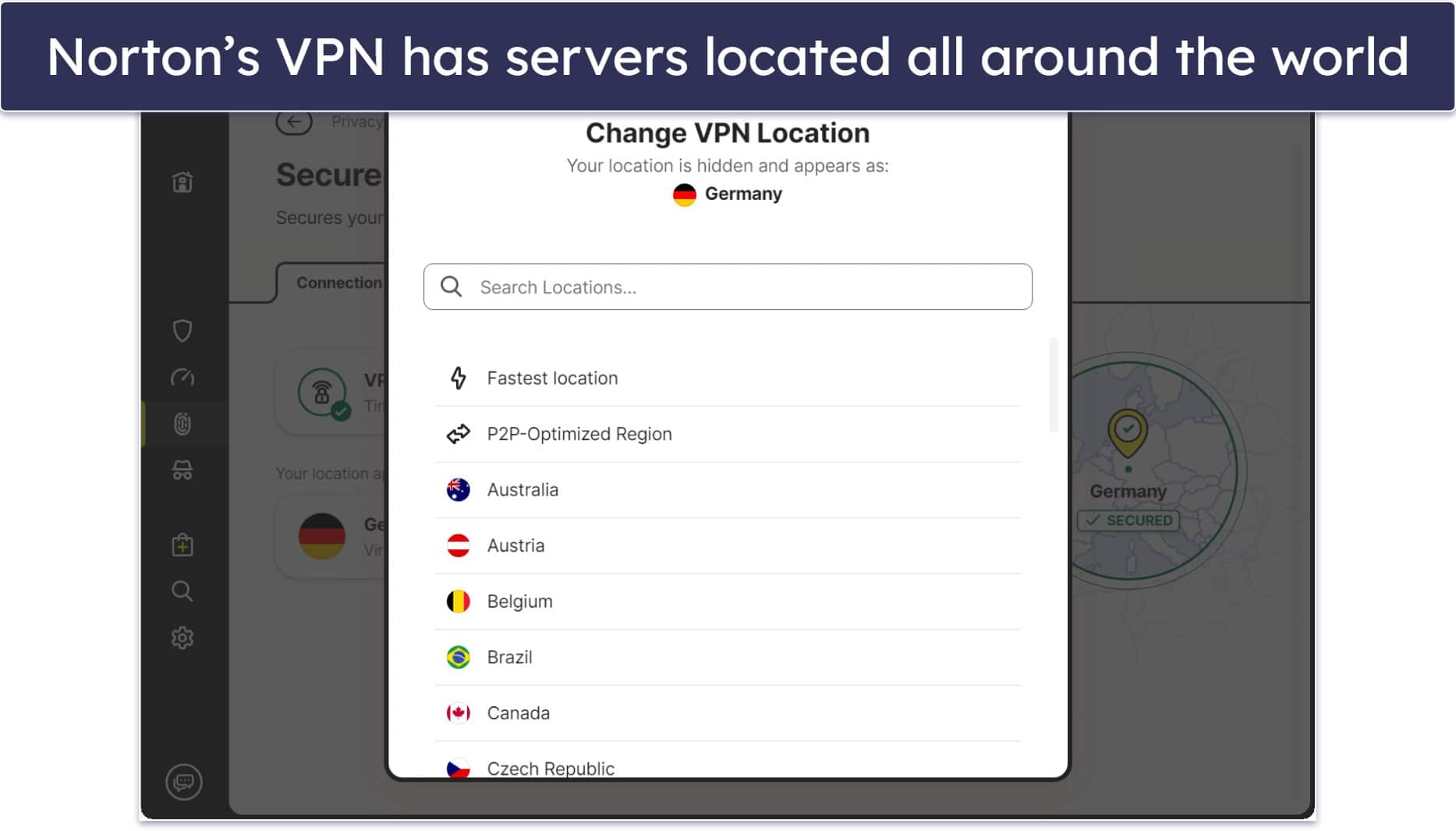
Overall, Norton packs more high-quality features than most competitors — and they’re thoughtfully integrated. It undergoes regular audits, aligns with major privacy regulations, and offers apps for all key platforms (it even worked smoothly on a colleague’s Chromebook in our checks).
If you only need basics on a single device, AntiVirus Plus is the entry point at $29.99 / year*. For most people, 360 Deluxe hits the sweet spot at $49.99 / year*, adding VPN, dark web monitoring, cloud backup, and more. Full identity coverage lives under LifeLock starting at $99.99 / year*. Every plan includes a 60-day money-back guarantee.
Save 58% on Norton 360 Deluxe!
Get Norton 360 Deluxe for only $49.99*!
Bottom Line:
Norton 360 is our top antivirus pick for 2026. It combines elite threat defense with practical extras — VPN (unlimited data), password manager, secure cloud backup, parental controls, and more. Try it with confidence thanks to the 60-day money-back guarantee.
Installation & setup at a glance
Getting started with Norton felt smooth and beginner-friendly. The apps are built with clarity in mind, and the 360 suite delivers a full stack of protections across the big four platforms — Windows, macOS, Android, and iOS. The only surprise: there’s still no official Linux support.
Account creation and checkout were painless — I paid via credit/debit card, PayPal, or Google Pay in seconds. With that out of the way, here’s what the actual install and first-run experience looks like.
Norton 360 installation
Downloading and setting up Norton 360 on desktop was straightforward, if a bit different from some rivals. Instead of grabbing a direct installer, you first sign in through your browser and start the download from your account portal.
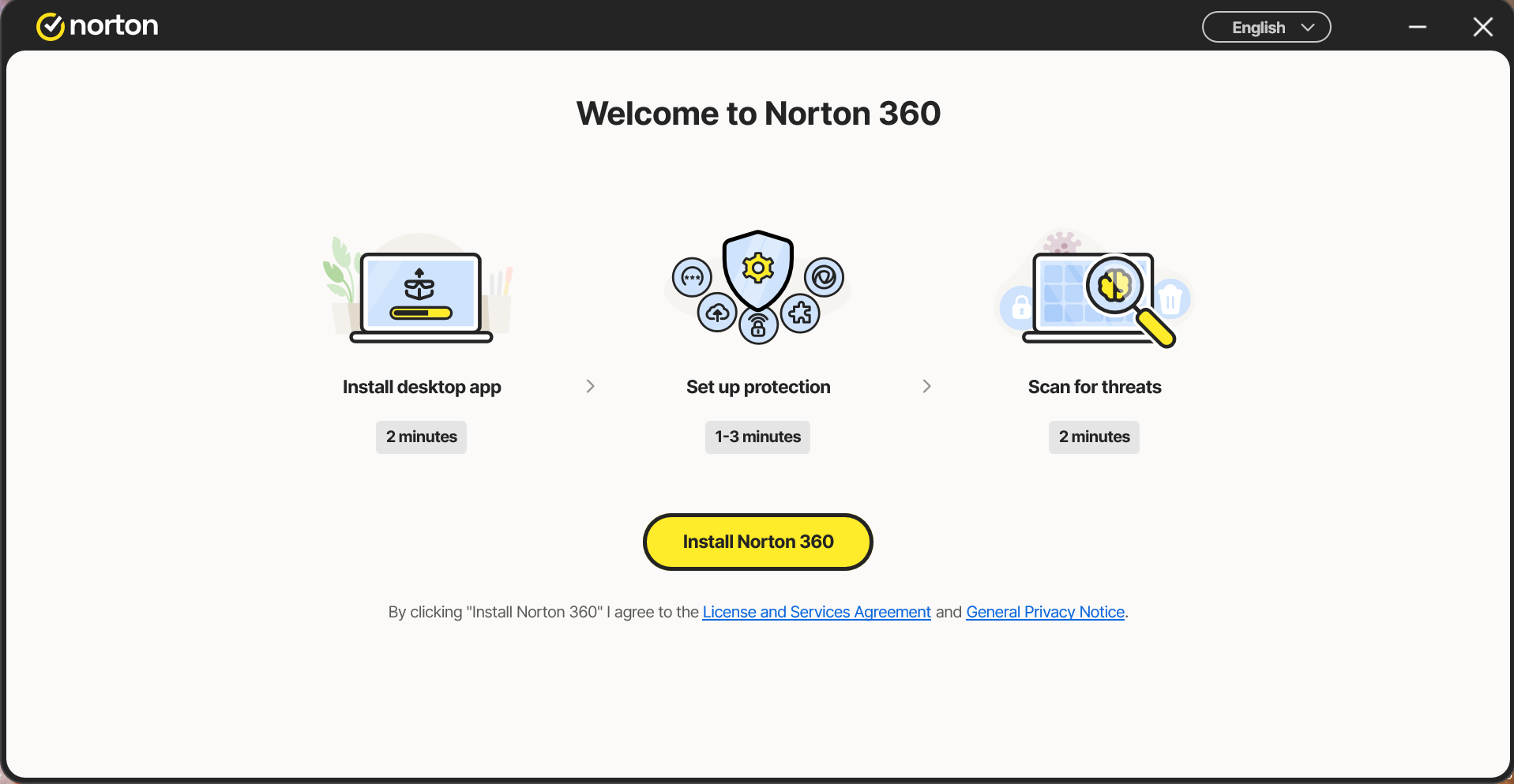
I installed Norton 360 on a Windows Server 2022 Intel Xeon 8259CL, 32GB RAM. After logging into My Norton, I assigned a license to my machine, then clicked Download from the Install My Apps dashboard.
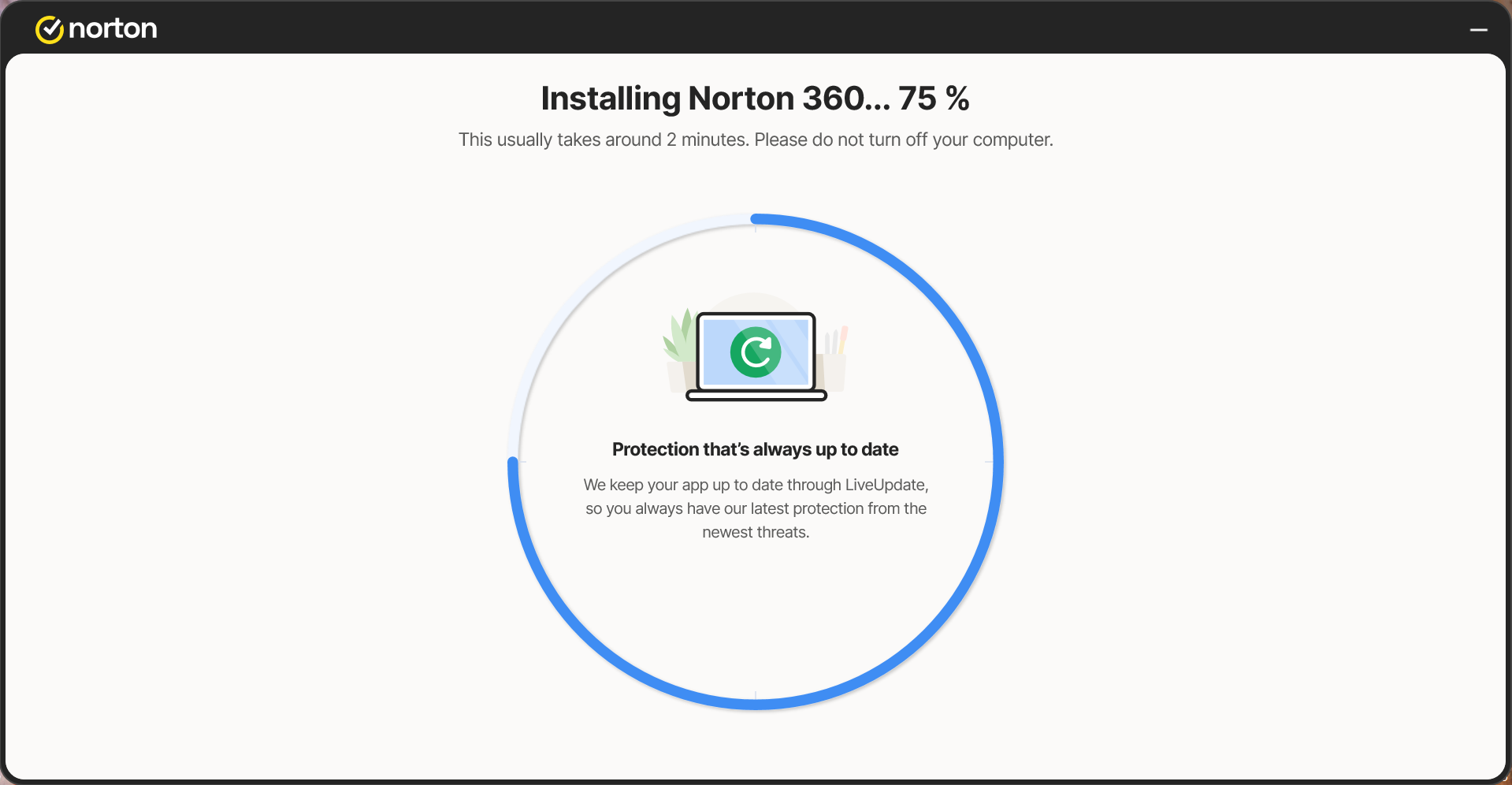
From there, the wizard handled the rest with clear prompts — opening the right system windows and explaining the permissions it needed. The suite was active within a few minutes, though a device restart is required to complete setup.
On first launch, Norton offers a short, guided tour so you can find key controls quickly. You can replay those tips anytime via the Settings button on the home screen.
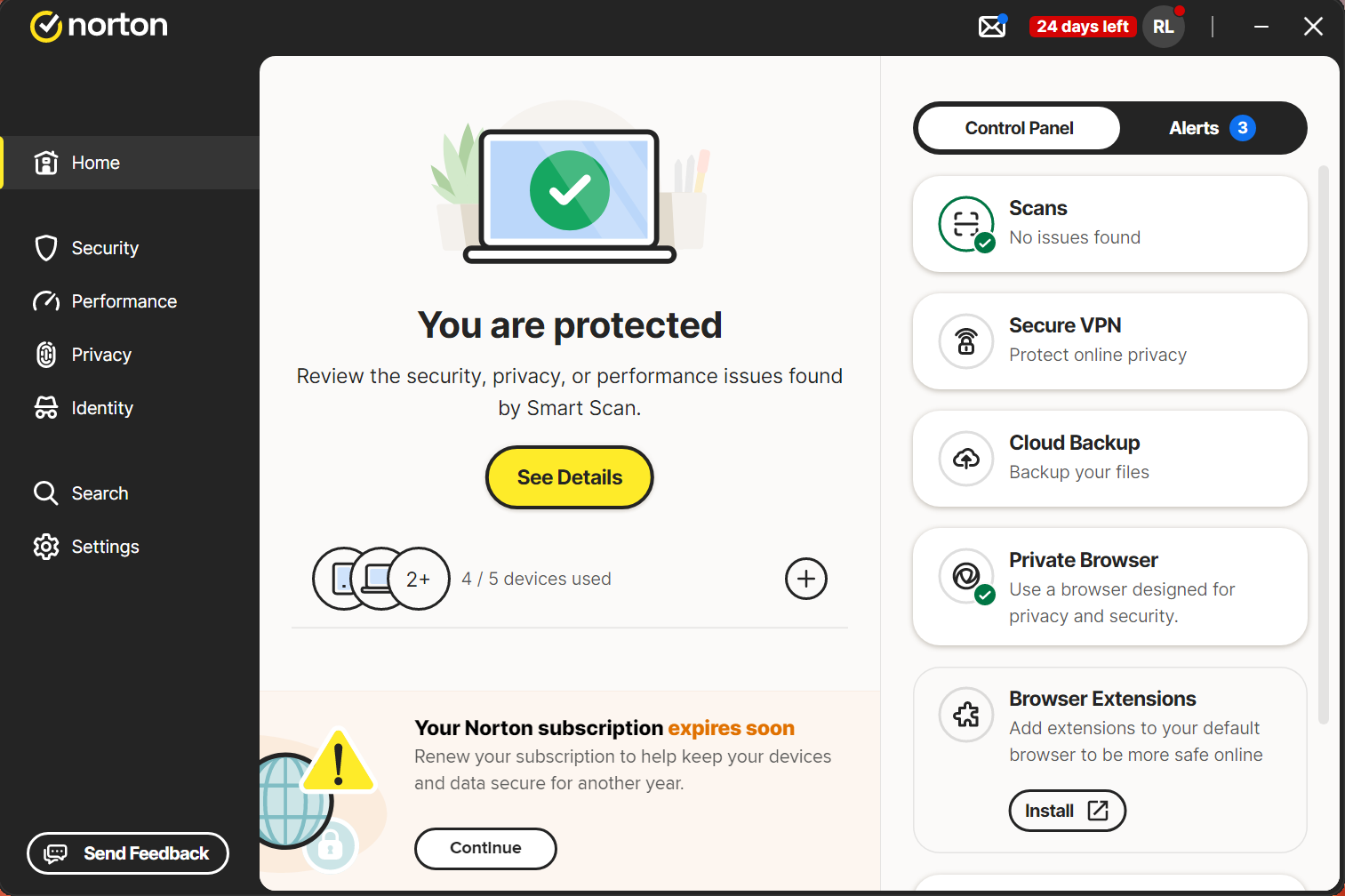
The interface is powerful but a touch busy. Some options feel tucked away, which can make deeper customization slower than it needs to be. Everything works reliably; a lighter, more streamlined layout would make day-to-day use even better.
Note that several tools open in your browser instead of inside the app itself — things like Software Updater, Dark Web Monitoring, and Parental Controls. Jumping to a new tab for each task isn’t ideal; a more consolidated dashboard would improve the overall flow. Security remains excellent, but a cleaner, more unified design would elevate the experience.
Norton 360 mobile apps
Norton Mobile Security puts the core protections on your phone with a setup that takes moments. The Android and iOS apps share a similar look and feel — just download the Norton 360 app from your store of choice and sign in. In practice, this was even simpler than setting up the desktop suite.
The home screen surfaces the essentials and kicks off quick scans immediately, so privacy checks and threat monitoring start right away without extra taps.
The only caveat: several capabilities live in companion apps (Password Manager, Norton VPN, and Parental Control). Many users would appreciate having everything bundled into a single app.
Norton on Android
As with most security suites, the Android version offers the richest feature set. Notably, Link Guard inspects links as you open them, helping you avoid phishing pages and other malicious sites.
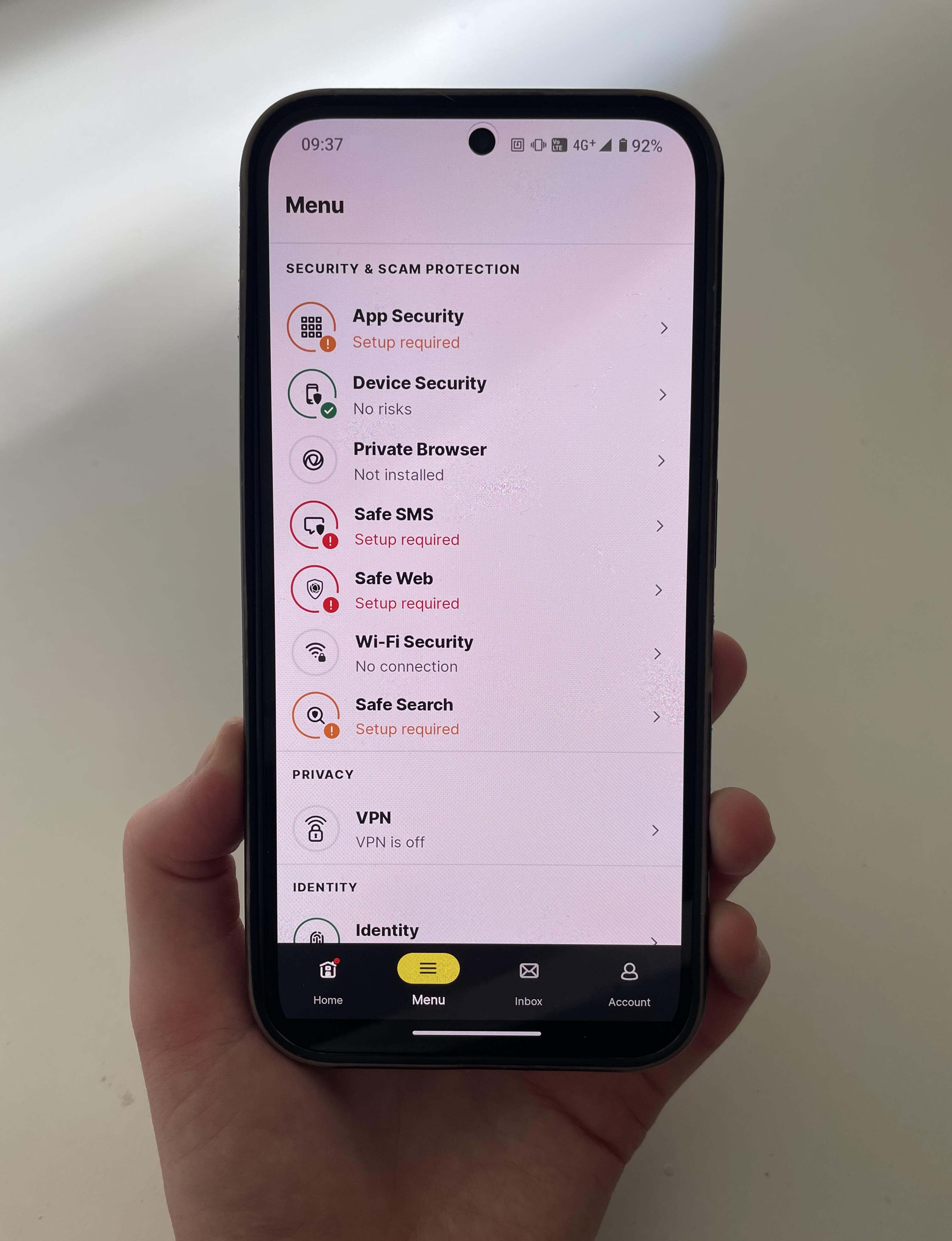
The Norton Mobile Security Android app includes:
- Web Protection to block fake or unsafe sites that could expose sensitive data.
- Wi-Fi Security, which scans your connection for vulnerabilities.
- System Advisor that flags operating system risks.
- Safe Search, which helps you avoid phishing and risky results while browsing.
- Privacy Report which shows what data your apps collect and share.
- Anti Malware scanning with real-time protection.
- App Advisor, which reviews apps for privacy and potential battery impact.
Norton on iOS
The iOS app mirrors the Android design but, as expected with Apple’s restrictions, offers a slimmer feature set. Navigation remains familiar and straightforward.
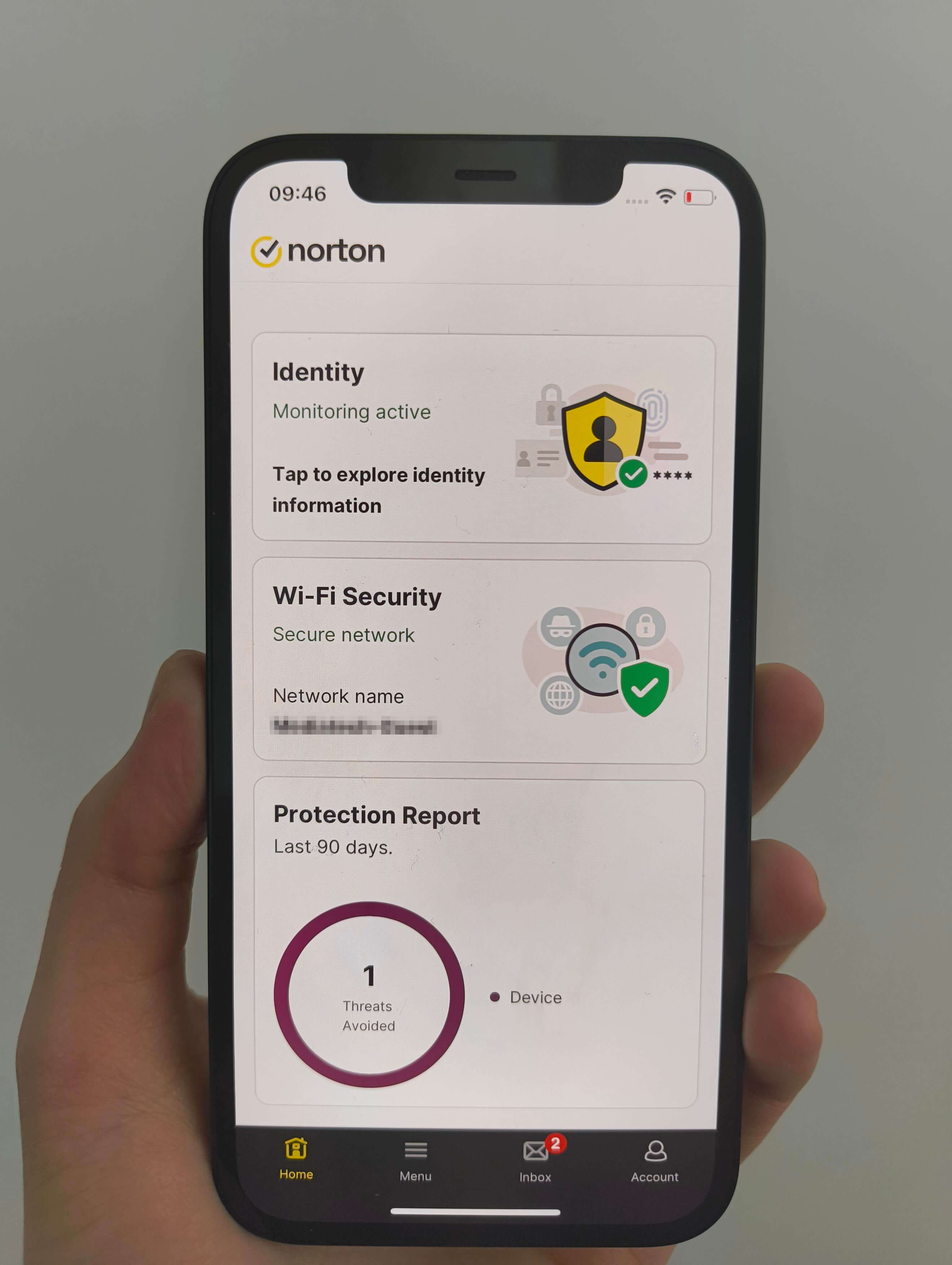
You’ll find web protection, a secure calendar, identity monitoring, and Wi-Fi, Device, and SMS security. Password manager, VPN, and cloud backup are available as separate downloads.
Security and performance
Norton 360’s effectiveness shows up in independent lab scores, hands-on stress tests, and day-to-day responsiveness. Below are takeaways from third-party results and in-house checks that outline how well Norton balances strong detection with minimal impact on speed and system resources.