McAfee - Best for Online Security (+ Great for Families)

McAfee folds a broad set of online safety tools into one suite, covering malware defense, anti-phishing, a password vault, VPN access, and identity monitoring with coverage options. Everything is laid out simply and behaves as expected. Beyond phones and tablets, there’s even support for Chromebooks.
Pros
- Rock-solid real-time protection
- Flexible, customizable scans
- Personal data cleanup tools
- Unlimited devices on most plans
Cons
- Noticeable slowdown during deep scans
- Firewall feature set is basic
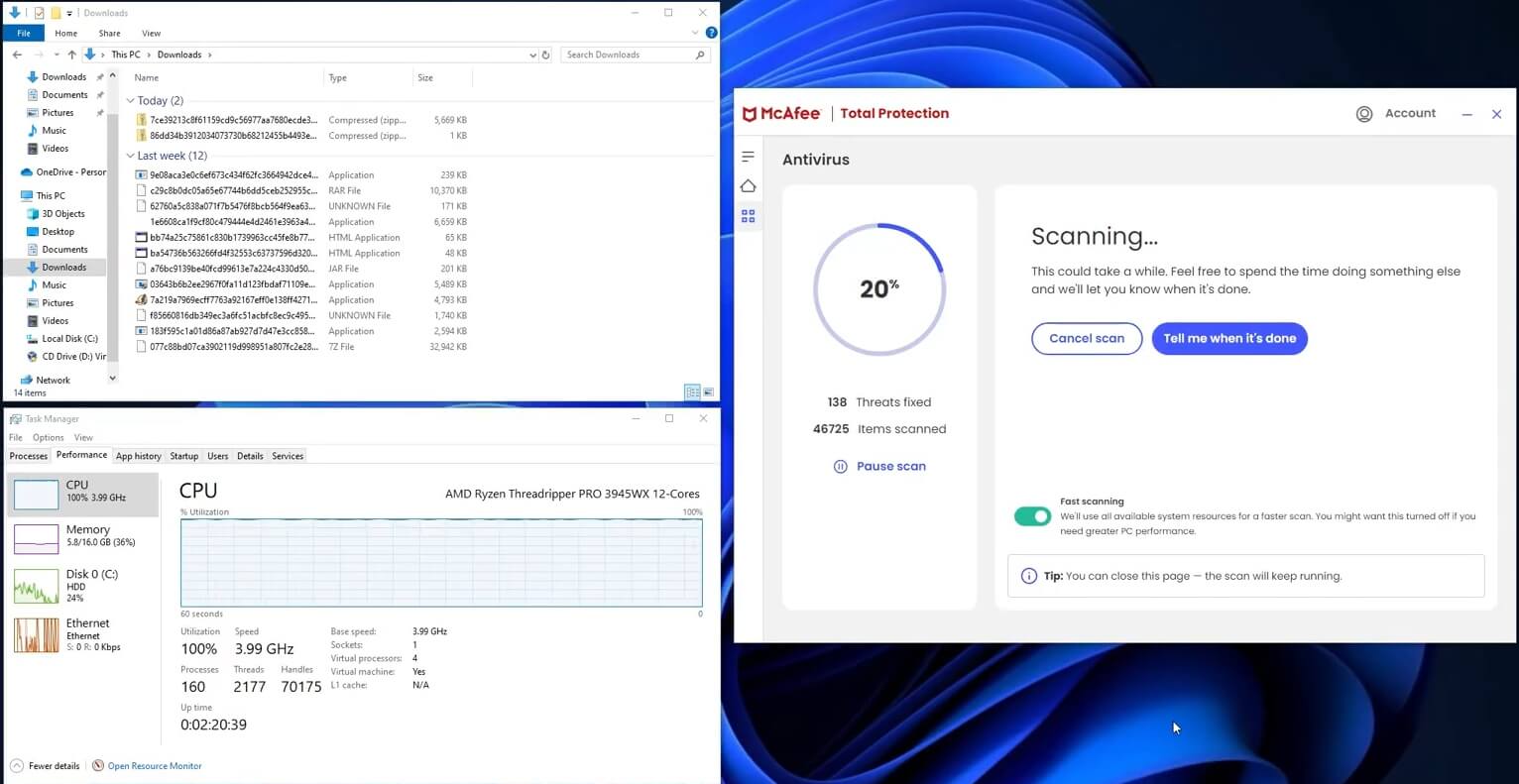
Malware defense is a standout — McAfee reached a perfect 100% detection rate in my sample set, stopping both straightforward and advanced threats (viruses, trojans, spyware, keyloggers, and rootkits). False positives were limited, but scan speed lagged behind Norton and TotalAV, and the system impact was heavier. Everyday tasks like browsing, using Office apps, and streaming were fine; CPU-intensive gaming was not.
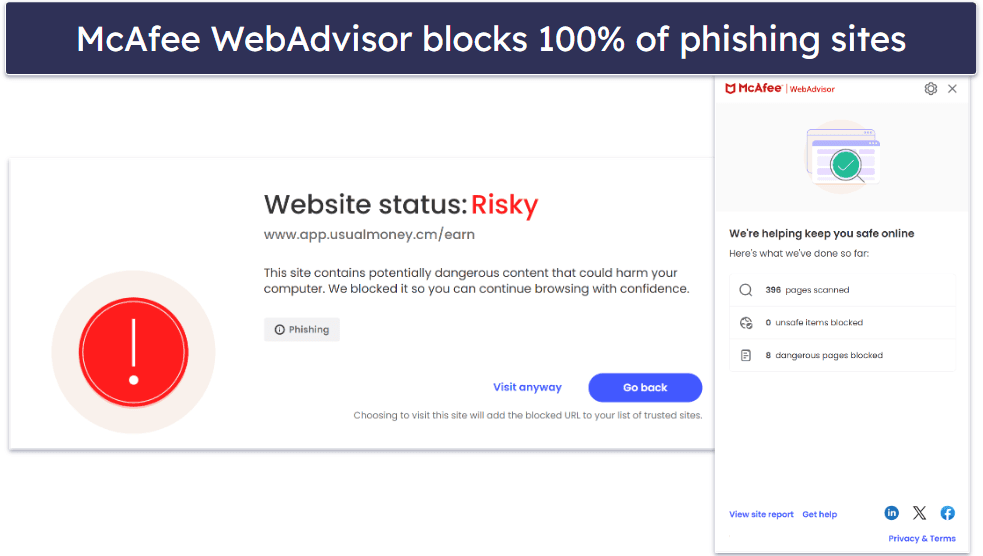
Web protection is similarly strong. It blocked access to the majority of known phishing pages and other dangerous destinations, outperforming default safeguards in browsers like Chrome and Firefox as well as several competing suites.
Mobile users get robust coverage, too. The Android and iOS apps include the VPN, safe browsing, and alerts for risky Wi-Fi networks. Features like Scam Protection flag suspicious links across email, SMS, social apps, and the browser — helpful for stopping threats where people actually click.
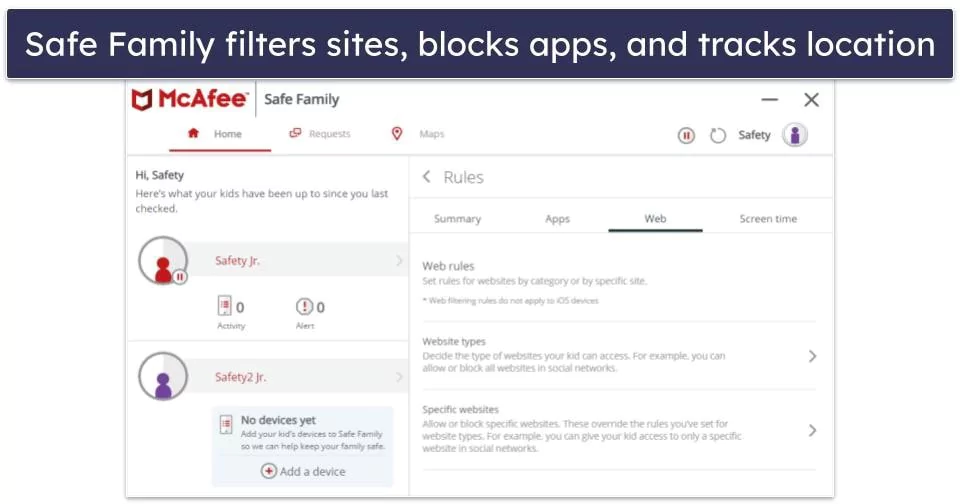
Parental controls are among the most capable I’ve tried. Beyond filtering unwanted content and apps, precise location tracking helps you keep tabs on a child’s device — and in practice, accuracy was stronger than the built-in location tools from Google or Apple.
Pricing is straightforward and competitive. Plans start at $39.99 / year. The Essential plan ($39.99 / year) covers up to 5 devices, while the Premium family package ($69.99 / year) adds a data broker removal tool, expands coverage to an unlimited number of devices, and includes parental controls. The Advanced ($89.99 / year) and Ultimate ($199.99 / year) tiers add identity theft coverage up to $2 million alongside additional protections — and every plan comes with a 30-day money-back guarantee.
Bottom Line:
McAfee delivers comprehensive online protection with excellent anti-phishing, reliable Wi-Fi safeguards, and best-in-class parental controls — all manageable from clean desktop and mobile apps. If you want broad family coverage with simple management, McAfee is an easy pick, and it’s backed by a 30-day money-back guarantee.
Installation and setup
Different antivirus brands handle onboarding in their own way. McAfee’s process is generally smooth, so I put together a concise walkthrough to make sure every step is crystal clear from start to finish.
McAfee Total Protection runs on Windows, macOS, Android, iOS, and ChromeOS, so it can cover most households’ devices. I installed it on a Windows 11 test machine; the whole thing took about 3 minutes — a touch longer than I expected — but it required very little effort on my part.
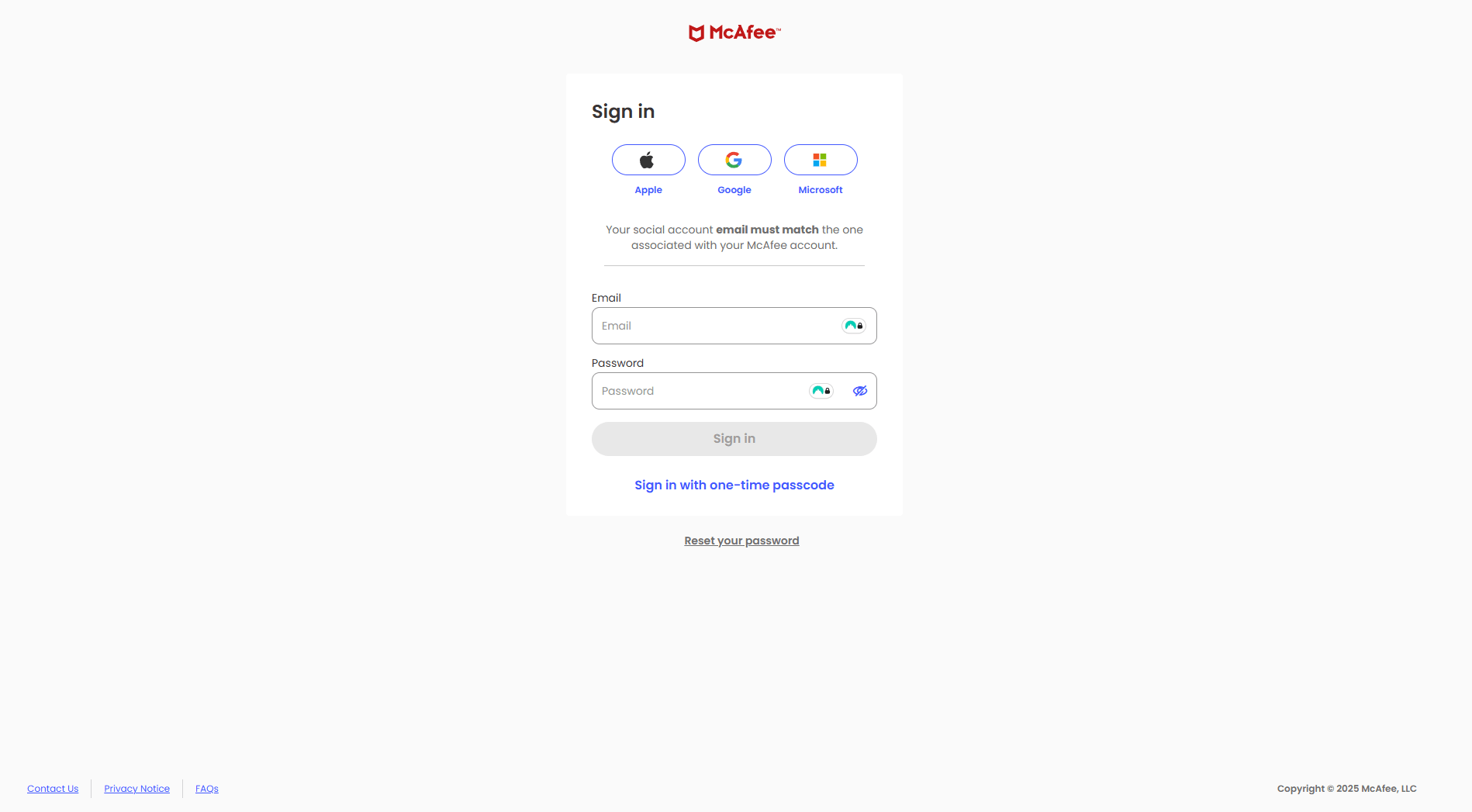
I began by downloading the McAfee security app and then signing in to my McAfee account. You can authenticate with Apple, Gmail, or Microsoft, which makes the login step quick and flexible.
After launch, the dashboard looked neat and logically arranged. My device status appeared at the top, confirming both the antivirus and the Advanced Firewall were active. Shortcut tiles beneath that gave one-click access to Secure VPN, Antivirus, Tracker Remover, and Web Protection.
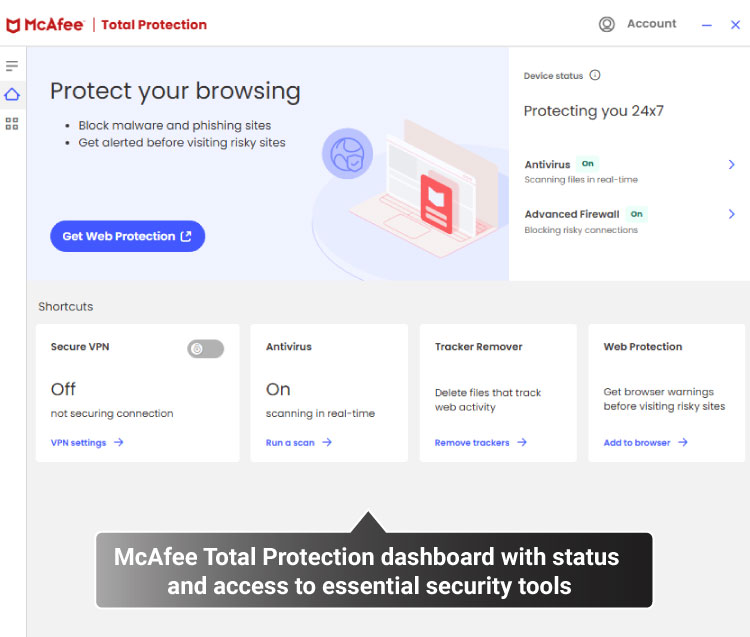
I liked the clear visual cues — each module shows an obvious on/off state, so it’s easy to spot what’s enabled or needs attention. Kicking off scans or tweaking settings takes just a click thanks to the tiles. There’s a fuller settings menu in the left sidebar, but I rarely had to dig there for the essentials.
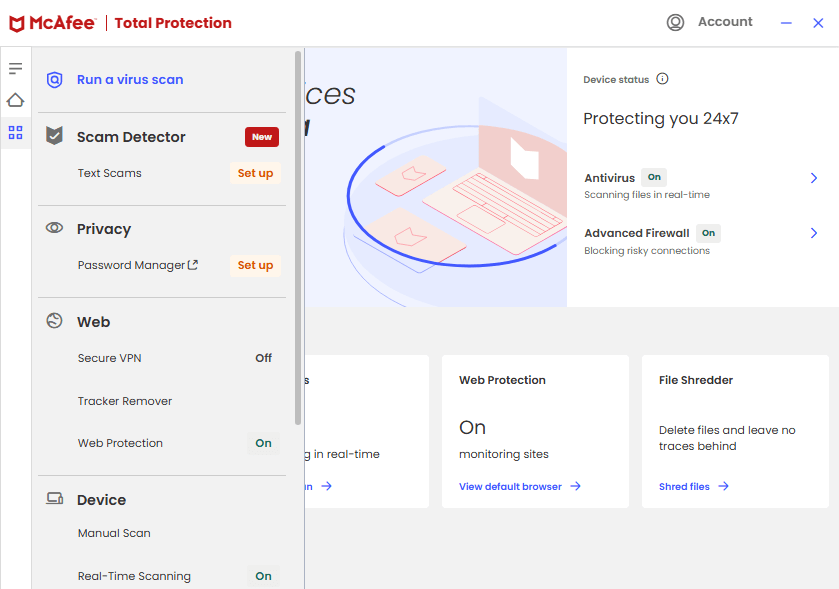
The same clarity applies throughout — toggles and status indicators keep everything readable at a glance. The shortcuts make routine actions fast, while the sidebar holds deeper configuration for when you need it.
Compared with Norton 360, McAfee’s interface feels more contemporary and less crowded, which I prefer. Avast still wins on pure speed of clicks for certain tasks, and TotalAV remains the most immediately approachable layout for first-time users.
Overall, McAfee Total Protection leaves a strong first impression. Installation is slightly slower than a few rivals, but once it’s up, the navigation is intuitive and the key tools are surfaced right away. If you want a clean, straightforward antivirus experience, McAfee balances usability with robust protection very well.
McAfee mobile apps
On Android and iOS, McAfee’s mobile apps provide quick, no-nonsense protection. There’s a free version available on both platforms if you want to try the basics first.
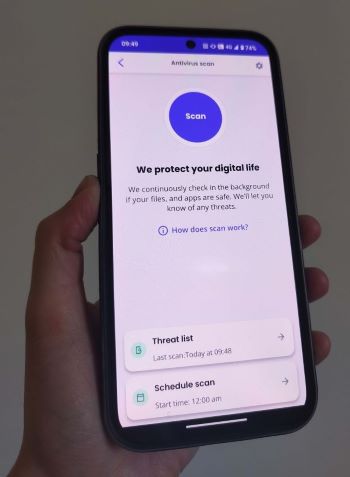
The mobile dashboard is lightweight and direct: tiles for Secure VPN, Antivirus Scan, Safe Browsing, Wi-Fi Scan, and a Text Scam Detector sit front and center with clear status indicators and quick actions. Some options, like Safe Browsing, need a manual toggle, and the VPN starts off disabled until you turn it on.
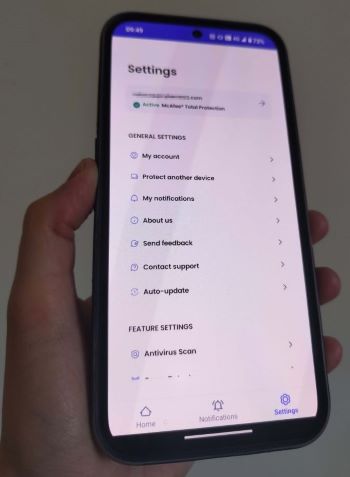
The Settings page is equally straightforward, showing account info, notifications, auto-update controls, and support links. Your McAfee Total Protection subscription status is visible at a glance, along with shortcuts to the most important security switches.
Security and performance
To form a balanced view of McAfee’s protection, I combined findings from independent labs with our own hands-on measurements. Here’s a concise look at how it manages threat blocking while keeping resource usage in check.
In-house McAfee antivirus testing results
Alongside strong third-party scores, the Cybernews research team and I ran practical tests to see how McAfee handles malware, ransomware, and phishing in day-to-day scenarios. We used a MacBook Air M2 (8GB RAM, macOS Sonoma 14.6) and a Windows 10 i7-7500U (16GB RAM) to compare behavior across different systems.
Phishing test
For phishing resilience, we tried 10 newly reported links covering financial scams, credential theft, and malware delivery — mixing domain-based, subdomain-based, and IP-hosted pages. Using McAfee’s Safe Browsing, I attempted to open each one to see if access was blocked.
McAfee intercepted 80% of the phishing attempts in this run. That’s a solid outcome, though there’s still room to grow compared with its excellent malware and ransomware performance.